



Phantom Launcher privacy policy
Effective 31 October 2026 · Hyaki Pty Ltd · Contact: apps@hyaki.tech
This policy applies to Phantom Launcher only. It is separate from Hyaki's company-wide website privacy policy.
About Phantom Launcher
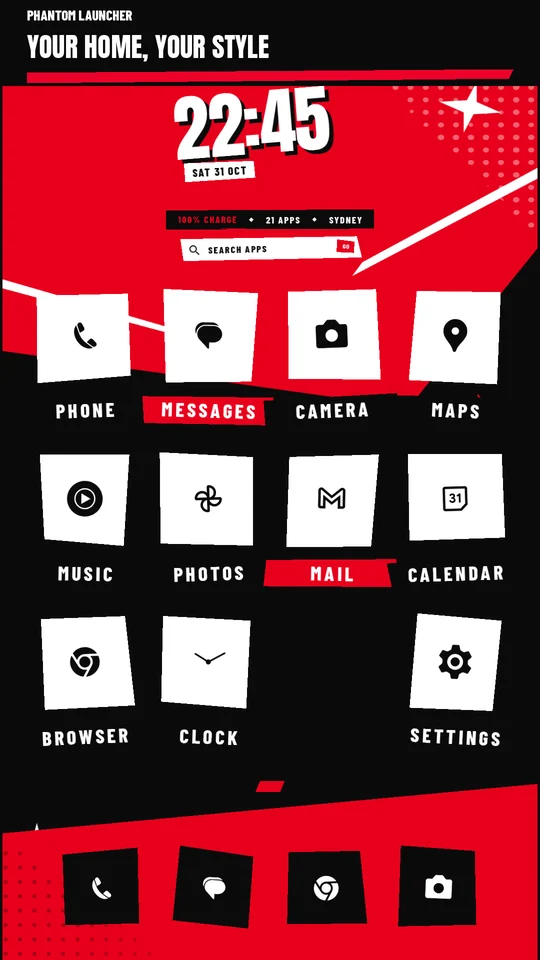
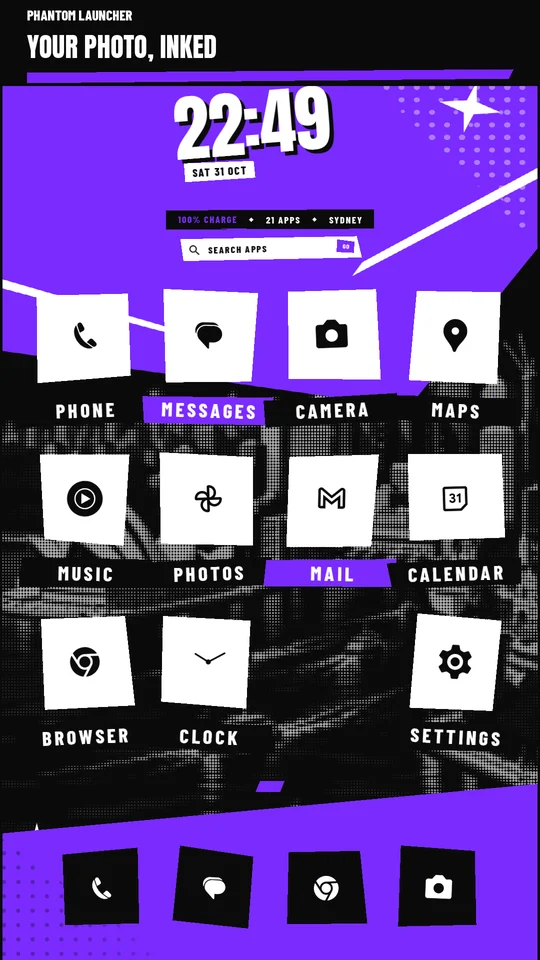
Phantom is an Android home-screen launcher. It has no advertising, user accounts or analytics service. Phantom does not send your installed-app list, launch history, wallpaper photos or diagnostic logs to us or to an analytics provider. The release app does not request internet access.
Installed apps and launch history
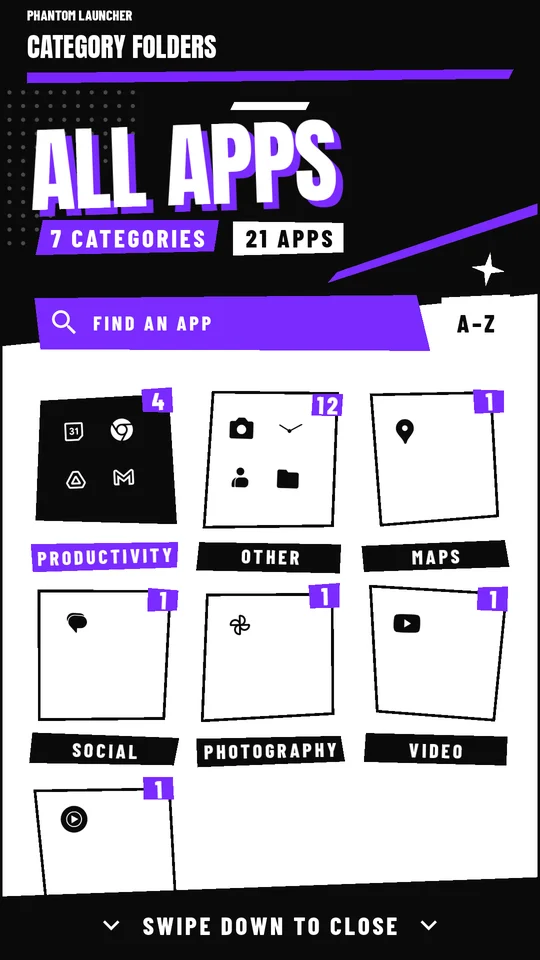
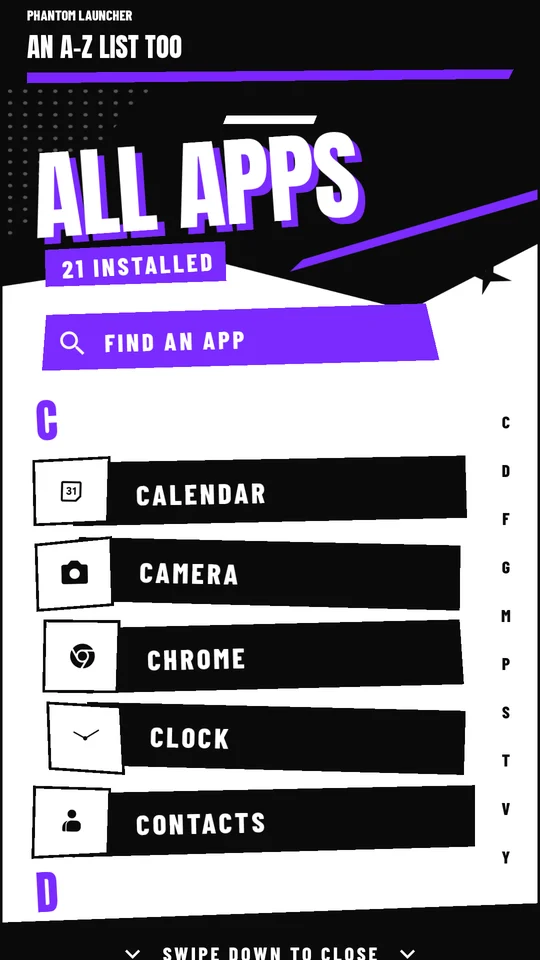
Phantom reads the launchable apps available to your Android profiles to show and search your apps. Your home layout and a local history of launches made through Phantom are stored on your device. That history ranks search results and app suggestions. It does not monitor what you do inside other apps.
Photos and wallpaper
Phantom opens Android's document picker only when you choose or replace a wallpaper. It reads the image you select, processes it on your device, and stores a processed copy in its private storage. It does not request access to your entire photo library. Selecting an image from a cloud provider may cause that provider to download the image under its own privacy policy. Phantom does not upload the photo. The original image and its metadata are not saved by Phantom. One previous processed copy may be kept until a later replacement. Remove photo deletes Phantom's processed wallpaper copies without deleting your original photo. Applying the bundled lock-screen wallpaper uses Android's wallpaper service.
Optional performance diagnostics
Diagnostic recording is off by default. If you enable it, Phantom stores local timing, frame, memory, battery, lifecycle and failure information, as well as the package names of apps launched through Phantom. It does not record search text, photo contents or the names of chosen photos. Diagnostic files use at most approximately 10 MB across two rotating files. Turning diagnostics off stops new recording. Existing logs remain until you delete them with Delete diagnostic logs, clear the app's storage, or uninstall Phantom. Logs are not automatically uploaded. If you choose to share them with support, they may disclose which apps you launched; review them first.
Storage, backups and deletion
Layout, launch history, app-icon caches and processed photos remain in Phantom's app storage. Android's app sandbox restricts access to other apps. Phantom excludes its app data from Android cloud backup and device transfer. You can remove a chosen photo in Settings, delete diagnostic logs in Privacy & licences, or delete all locally stored Phantom data through Android Settings > Apps > Phantom > Storage > Clear storage, or by uninstalling Phantom. Clearing storage resets your layout and preferences. Device manufacturers and document providers may process data independently under their own policies.
Sharing and children
Phantom does not sell personal information or share it with advertisers. It does not request your precise location, contacts, messages, microphone or camera. The displayed city is derived from the device time zone, not GPS. Phantom has no account or child-directed data collection. Opening apps, app information, Android's home-app chooser or uninstall confirmation is handled by Android and the relevant app.
Changes and contact
Updates to data handling will be reflected in this policy. For privacy questions, contact Hyaki Pty Ltd at apps@hyaki.tech.